Migrations
The Migrations page shows the full history of schema operations and lets you apply migrations from JSON or another branch.
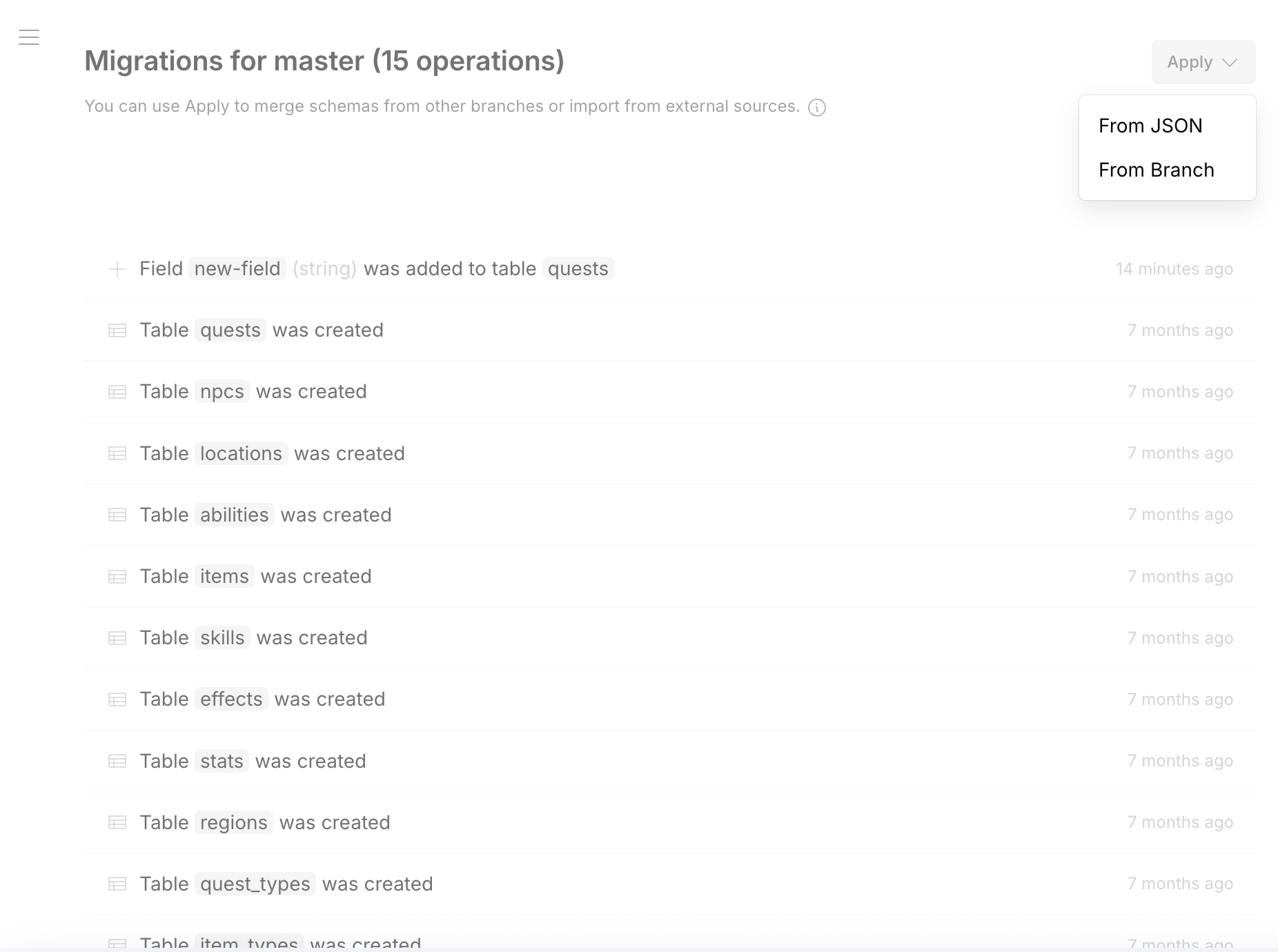
Operation History
Each operation is listed with:
- Operation description (field added, table created, etc.)
- Target table
- Time since applied
Apply Migrations
Click Apply to import schema changes:
- From JSON — paste or upload a
migrations.jsonfile - From Branch — pull schema changes from another branch in the same project
See Also
- Migrations Overview — workflows and best practices
- CLI —
migrate save,migrate apply,synccommands - Migration Format — specification
- CI/CD — automated deployment