Assets
The Assets view provides a gallery of all files uploaded across tables in the current project.
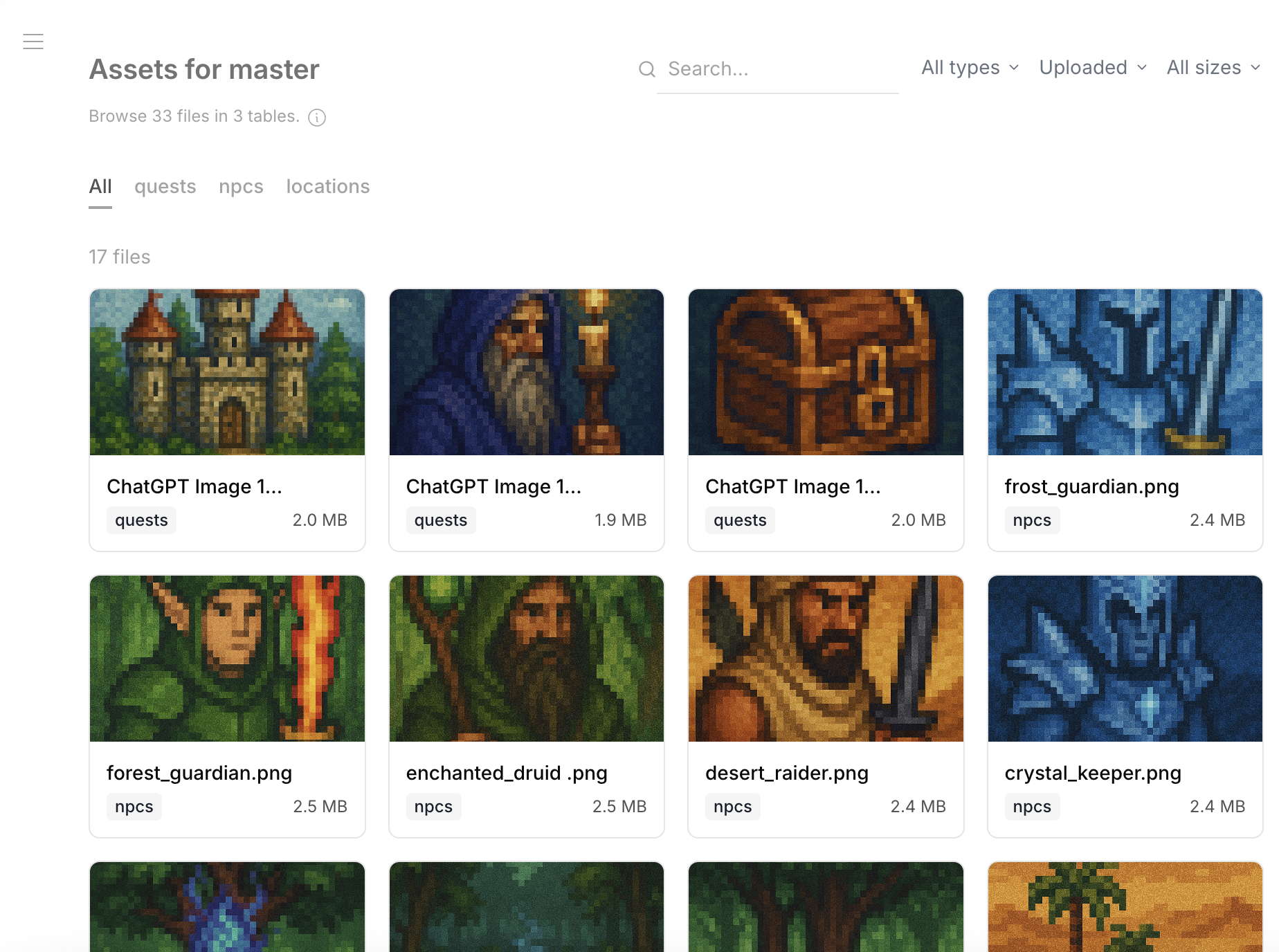
Gallery View
Files are displayed as a visual grid with thumbnails for images and icons for other file types.
Filtering
Filter the gallery by:
- Table — show files from a specific table only
- File type — images, documents, etc. (based on mimeType)
- Status — uploaded, pending
- Size — filter by file size range
File Details
Click a file to see:
- Full preview (for images)
- URL, size, mimeType
- Which table and row the file belongs to
- Upload timestamp