Endpoints & MCP
API Endpoints
The Endpoints page manages auto-generated APIs. Toggle Draft and Head endpoints on/off, or create custom endpoints pinned to a specific revision.
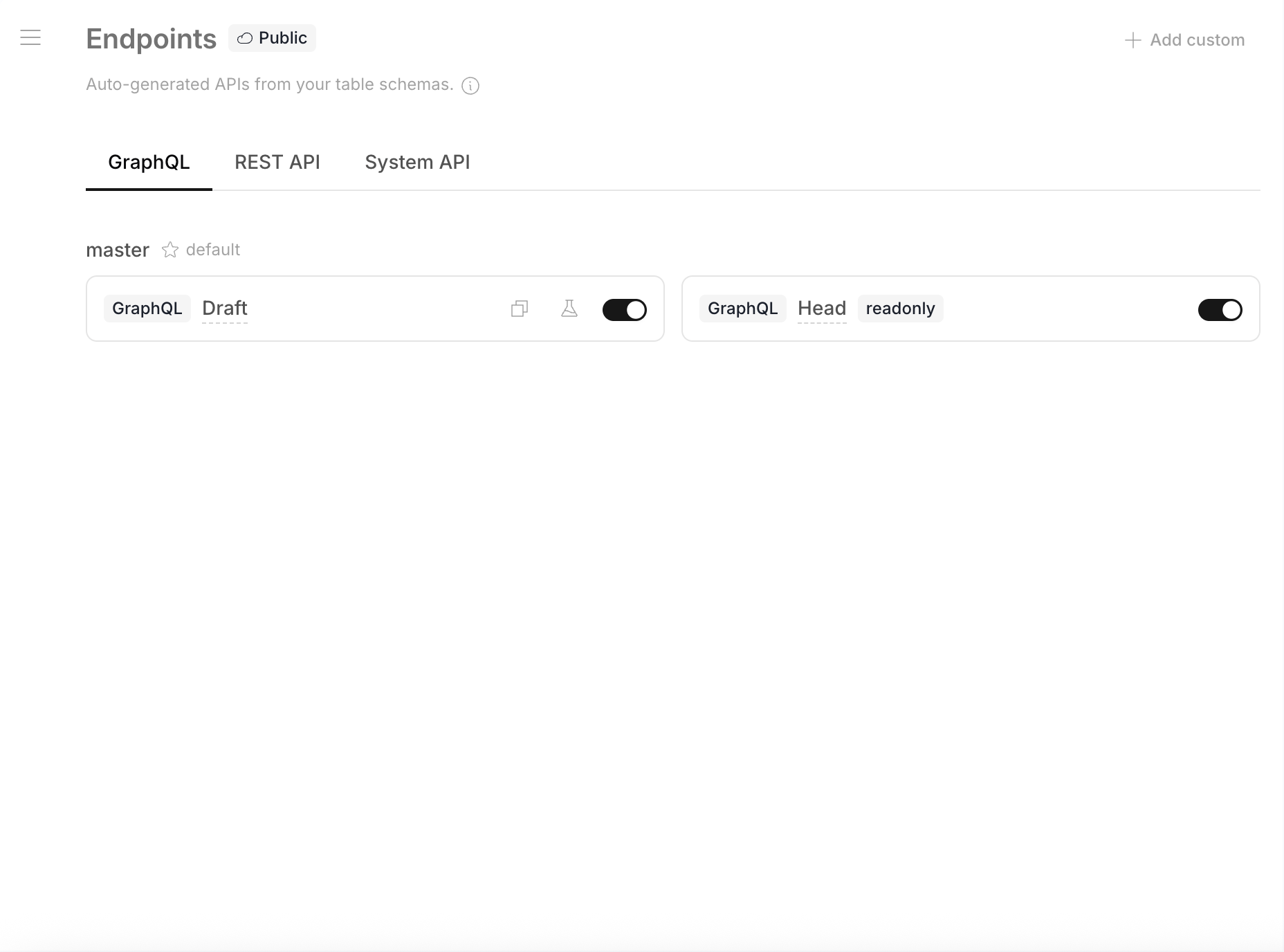
Three tabs:
- GraphQL — typed queries with filtering, sorting, pagination
- REST API — OpenAPI-compatible CRUD endpoints
- System API — platform management API
Creating a Custom Endpoint
Click + Add custom to create a read-only endpoint pinned to a specific committed revision:
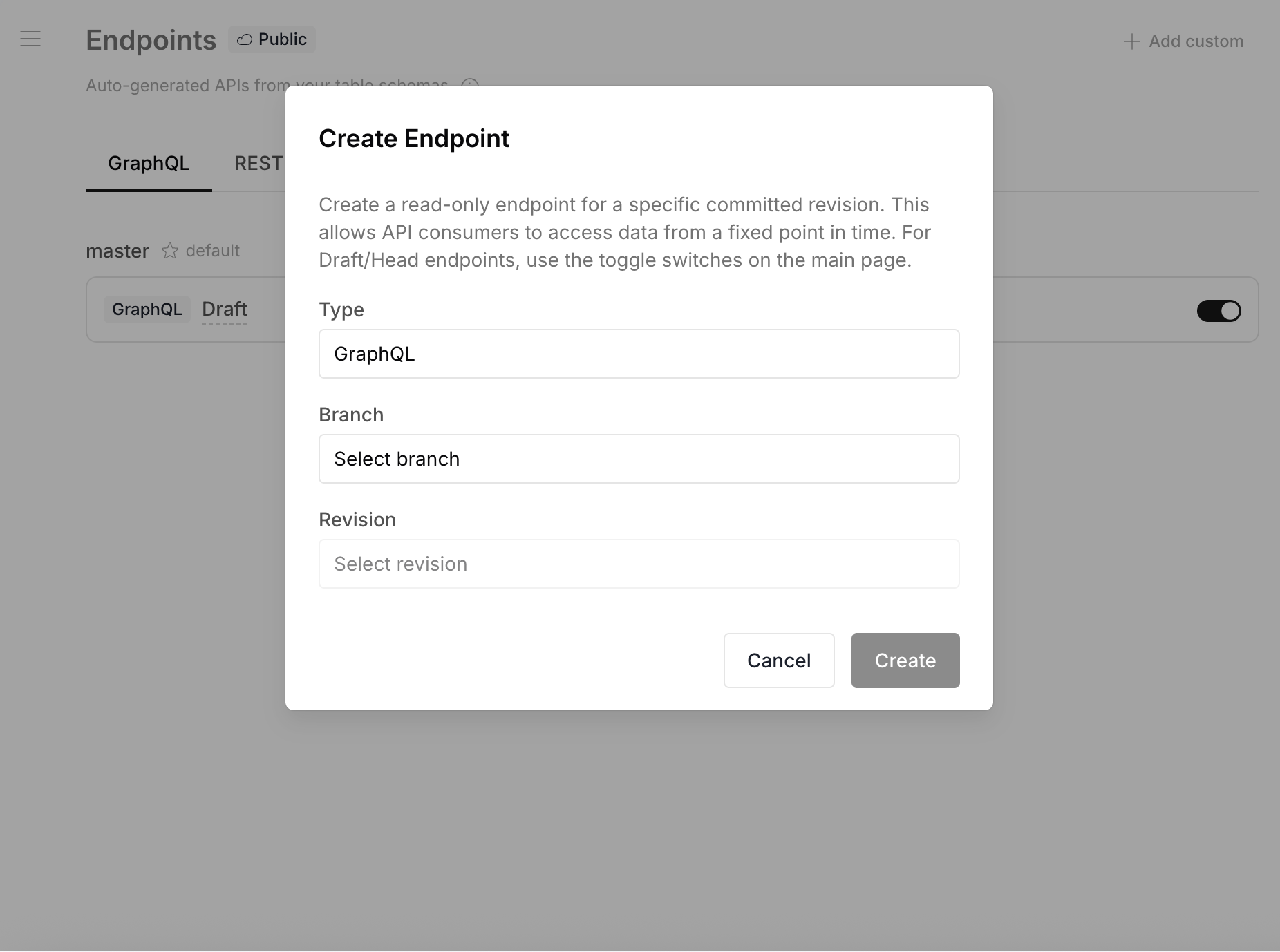
This lets API consumers access data from a fixed point in time. For Draft/Head endpoints, use the toggle switches on the main page.
Use Cases
- Production — Head endpoint on master, always serves latest committed data
- Preview — Draft endpoint for reviewing changes before commit
- Pinned — Custom endpoint locked to a specific revision for stable integrations
MCP Server
Revisium includes a built-in MCP (Model Context Protocol) server that allows AI assistants to interact with your data.
See MCP in the APIs section for setup instructions with Claude Code, Claude Desktop, and other MCP clients.