Changes & Diff
The Changes view shows all pending modifications in the current draft before committing. Two tabs — Tables and Row Changes — with search and filters.
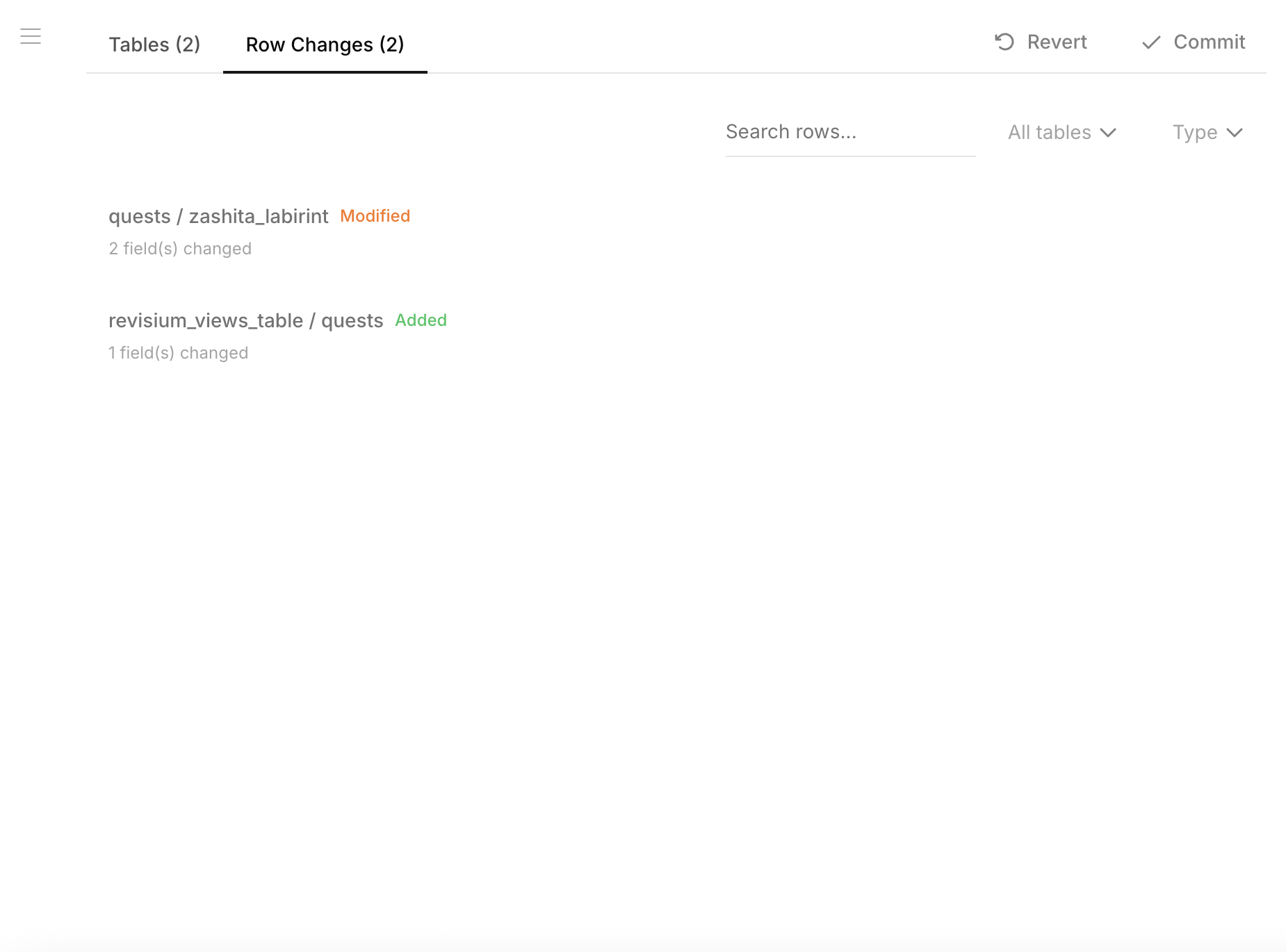
What's Tracked
Every modification in the draft is recorded:
| Change type | Details |
|---|---|
| Tables added | New tables created in the draft |
| Tables removed | Tables deleted in the draft |
| Schema changes | Field additions, removals, type changes |
| Rows added | New rows with all their data |
| Rows removed | Deleted rows |
| Rows modified | Field-level diff (old value → new value) |
| Migrations | Schema migration records |
| Views | Changes to table view configurations |
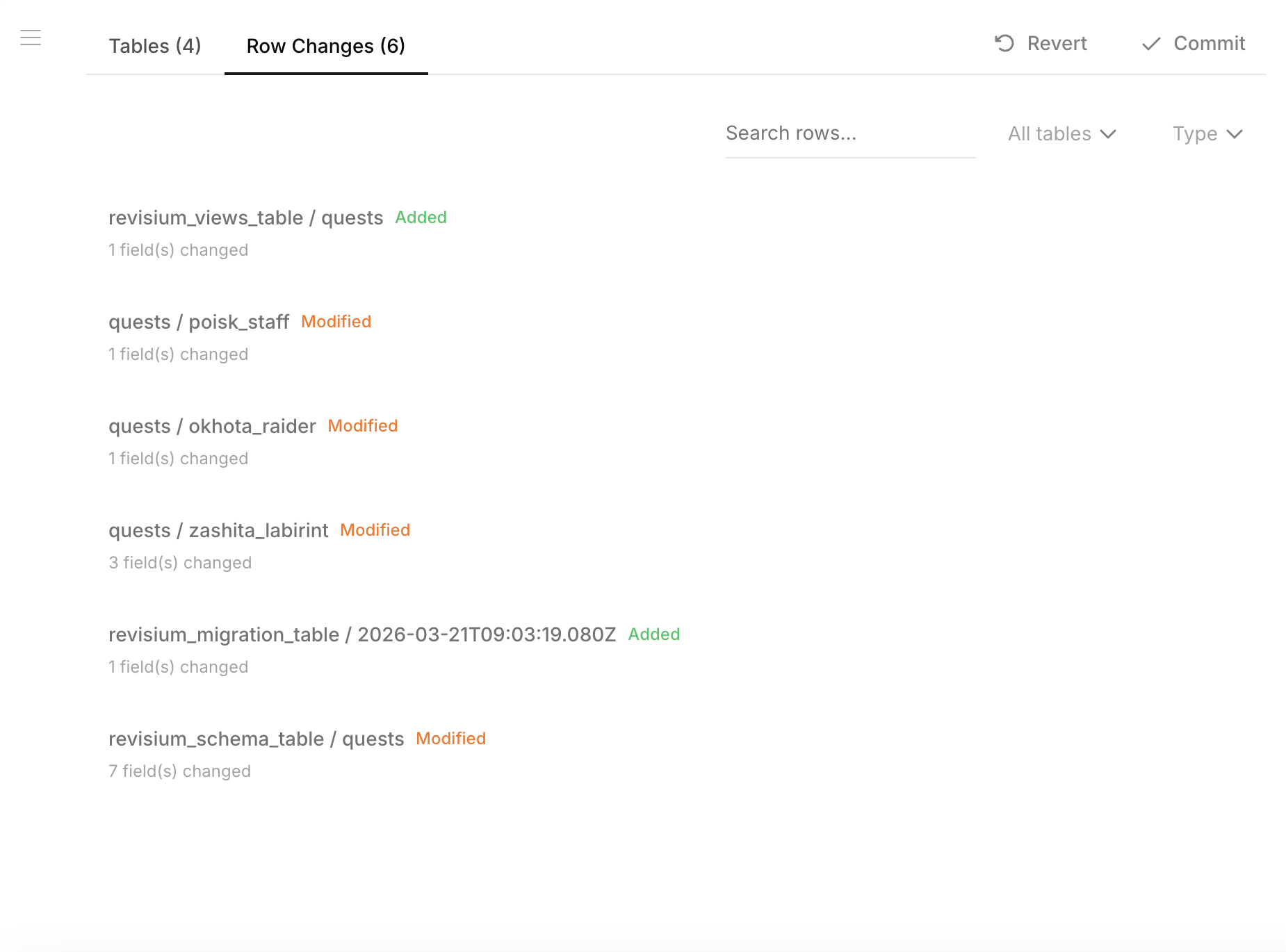
When multiple tables and rows are affected, the changes list shows everything at a glance:
Field-Level Diff
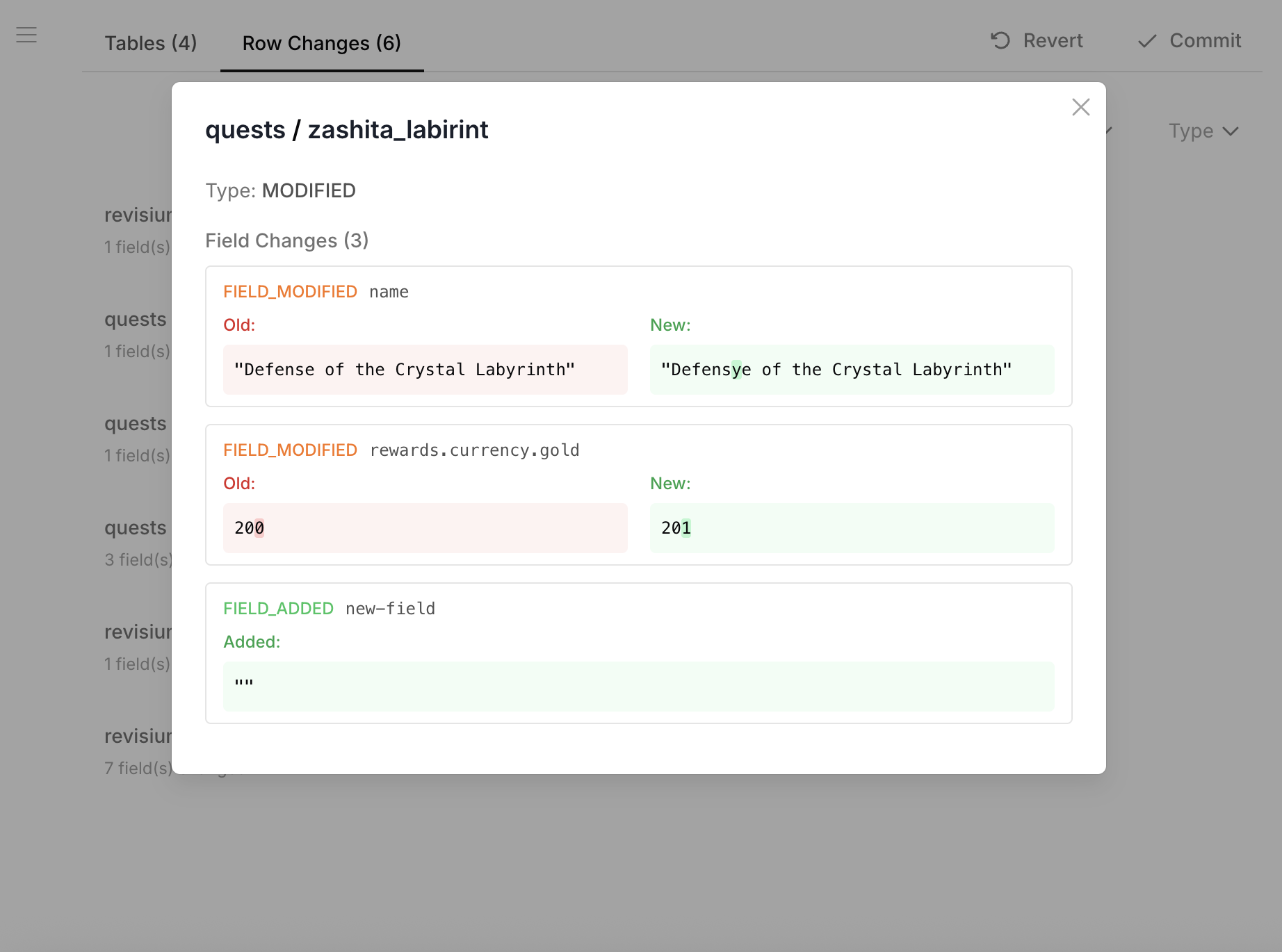
Click any row change to see the exact fields that were modified. Old and new values are displayed side by side with color coding:
Commit
After reviewing changes, click Commit to create a new immutable revision. The draft resets to a clean state.
Revert
Click Revert to discard all pending modifications and return the draft to the HEAD state.